
Access control
The right access, at the right time.
Replace keys you can’t take back with credentials you can. We design and install door and gate access systems that tie into your cameras and network.
What you get
Keyless entry you actually control.
Built on UniFi Access, on the same platform as your cameras — one system to manage, not three.
Cards, fobs & phones
Staff use a card, key fob or their phone. Supported readers also take PIN codes.
Schedules
Doors unlock for business hours and lock themselves after. Different people get different hours.
Entry log
A clear record of who came through which door, and when.
Instant changes
Someone leaves? Revoke their access in seconds — no rekeying, no collecting keys.
Video verification
Pair each entry with camera footage from UniFi Protect to see who actually walked in.
Doors and gates
Office doors, server rooms, side entrances and driveway gates — including remote sites on wireless links.
Driveway gates
A gate that knows who’s arriving.
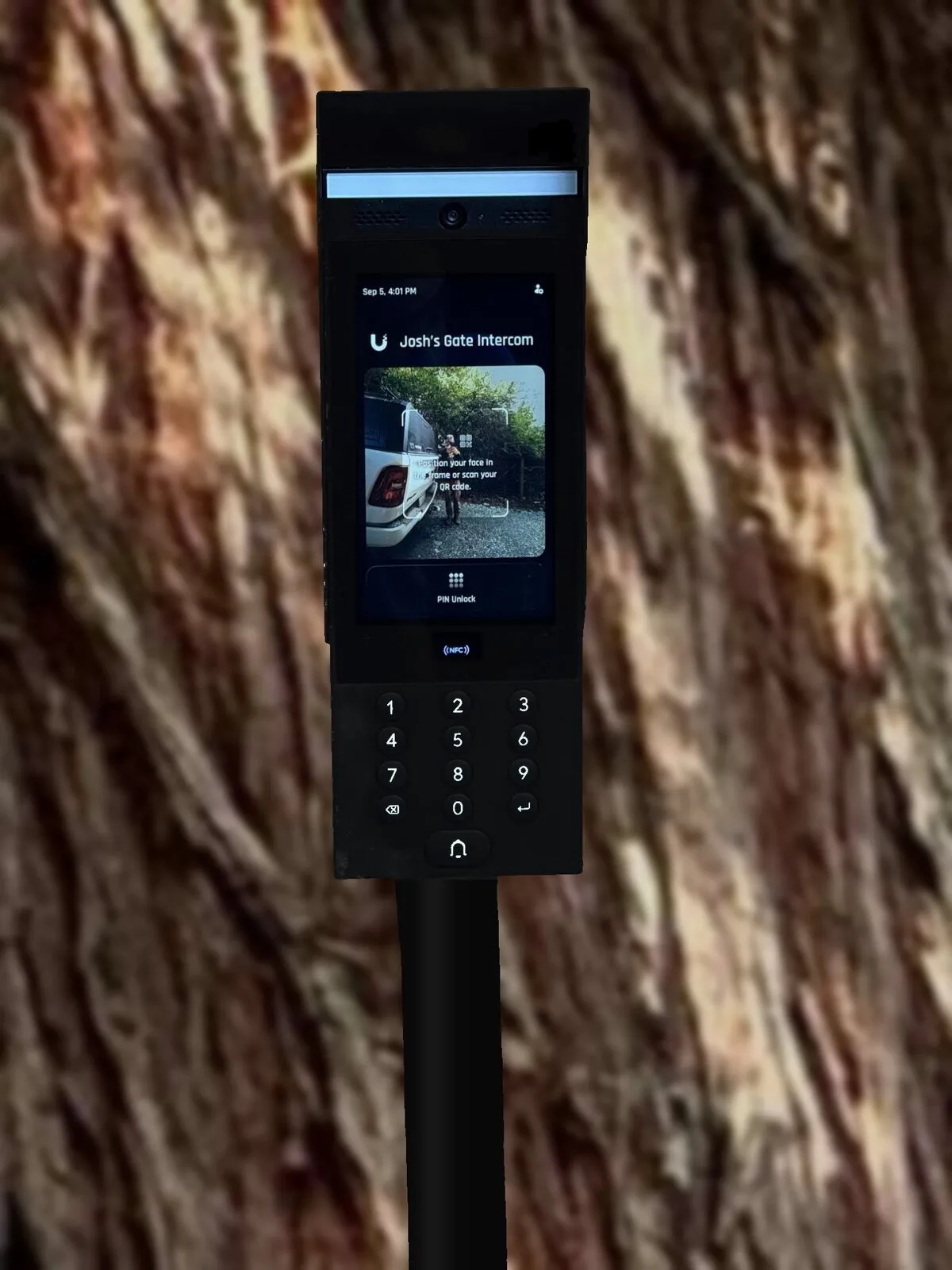
A UniFi Access G3 Intercom at the driveway, a UniFi Access Gate Hub at the gate, and the gate opener you already have. The people you’ve approved let themselves in, visitors call the house, and every opening goes in the access log.
- The intercom stands on its own gooseneck pedestal, outside the gate on the approach side, at driver’s-window height.
- The Gate Hub lives in a weatherproof enclosure at the gate. When someone is approved, it switches the gate opener.
- It’s all one system with your cameras and network, so every opening is logged and can be matched to video.
Ways in
Touch Pass puts the gate in Apple Wallet. Hold an iPhone or Apple Watch to the intercom, like paying at a store.
Tap a card or key fob. Lose one, and it’s cancelled in seconds.
Give a code to a delivery driver or a weekend guest, then change or delete it.
People you’ve enrolled can open the gate just by facing the intercom’s camera.
Send a visitor a QR code to scan at the screen.
Everyone else presses the bell and calls the house or office.
Answer the gate from anywhere
See and talk to whoever is at the gate, day or night.
Calls ring the UniFi app on your phone, and you can open the gate with a tap from anywhere.
Pick up the gate call on a UniFi Talk desk phone in the office or the house.
A UniFi Access Intercom Viewer on the wall shows the gate and opens it with one touch.

Wired to your gate opener the right way
This gate runs on a Mighty Mule opener. The Gate Hub switches it with a dry relay contact. The opener’s accessory inputs must never see voltage, because that damages the control board.
We wire the relay to the opener’s EXIT input, not CYCLE. EXIT only ever opens the gate. CYCLE steps through open, stop, close and stop, so a second trigger while the gate is moving would leave it stuck halfway.
The opener keeps its own battery and charging, completely separate from the network equipment. The two systems share only the trigger wires.
UniFi, UniFi Access, UniFi Talk and Touch Pass are trademarks of Ubiquiti Inc.; Apple Wallet, iPhone and Apple Watch are trademarks of Apple Inc.; Mighty Mule is a trademark of its owner. Emerald Security is an independent integrator; no partnership or endorsement is claimed.
Offices & door access
Doors that open for the right people.
An office installation on UniFi Access and UniFi Protect: a reader at the door with face unlock, an electric strike, a Request-to-Exit button inside, cameras around the office, and a live view on the wall.
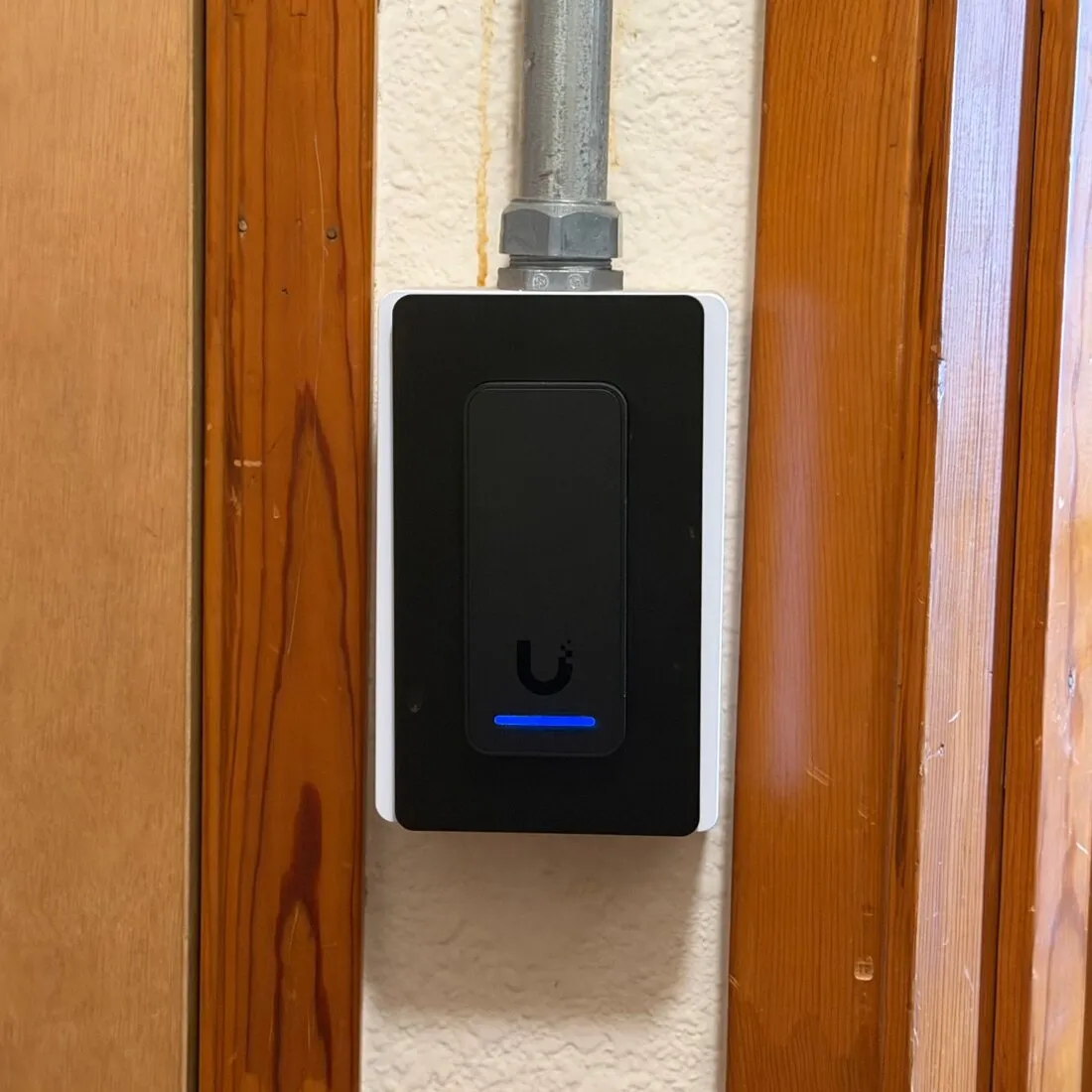
- UniFi Access reader outside the door for NFC cards and fobs, and Apple Wallet on iPhone and Apple Watch. It’s mounted on a box fed by metal conduit.
- Face unlock. The reader is paired with a UniFi Protect G5 Turret camera at the door, so people you’ve enrolled can walk up and be let in, no card needed.
- Electric strike in the door frame. When access is granted, it releases the latch and the door opens with its normal handle.
- Request-to-Exit button on the inside, so people can leave without a credential.
Cameras and a live view, on the same system
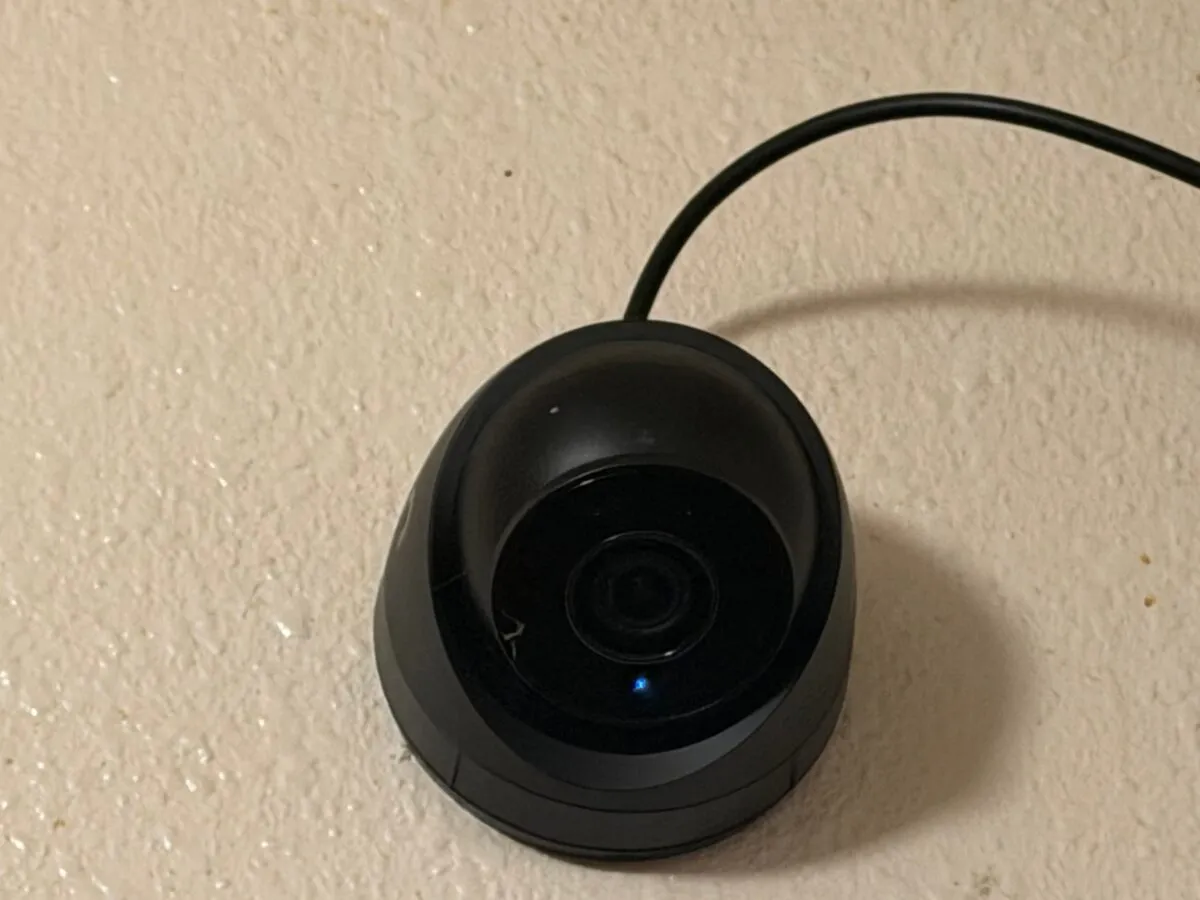
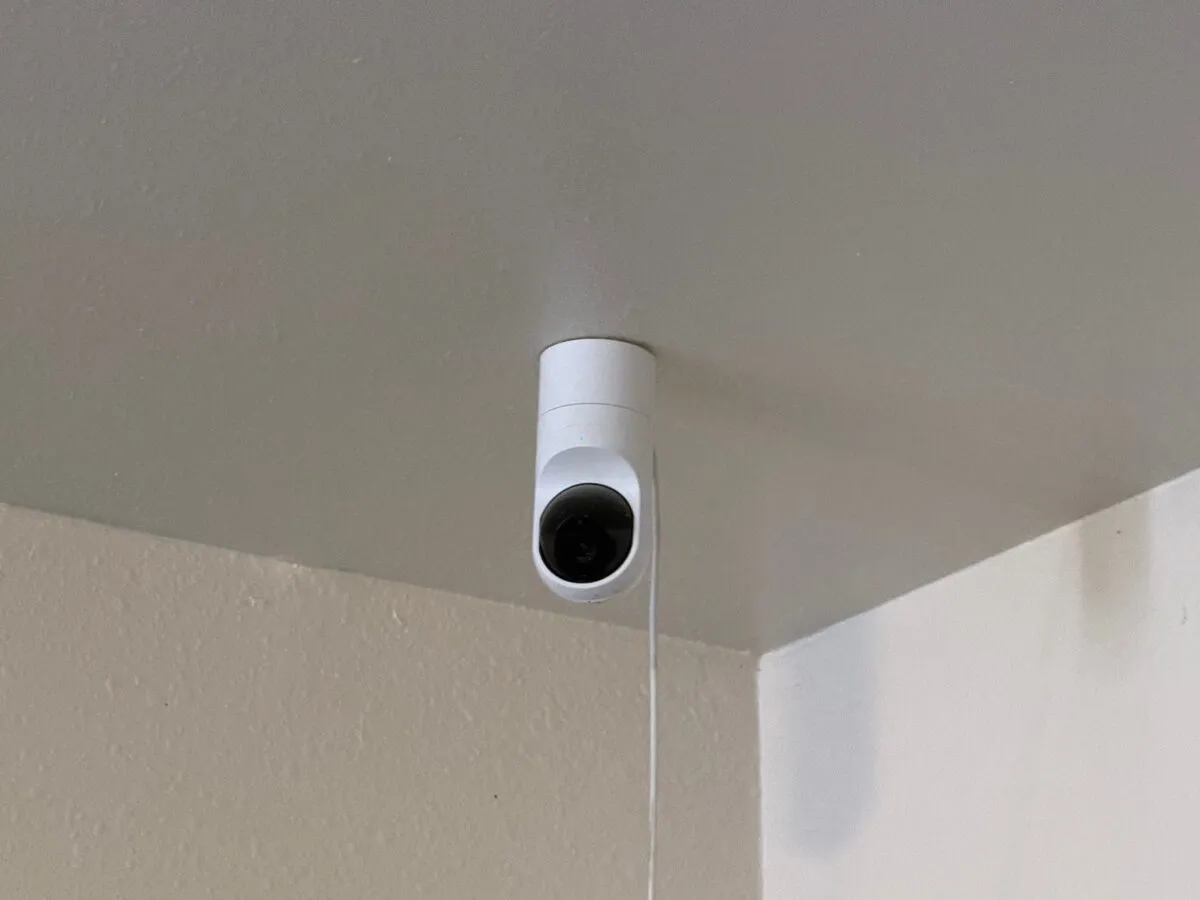
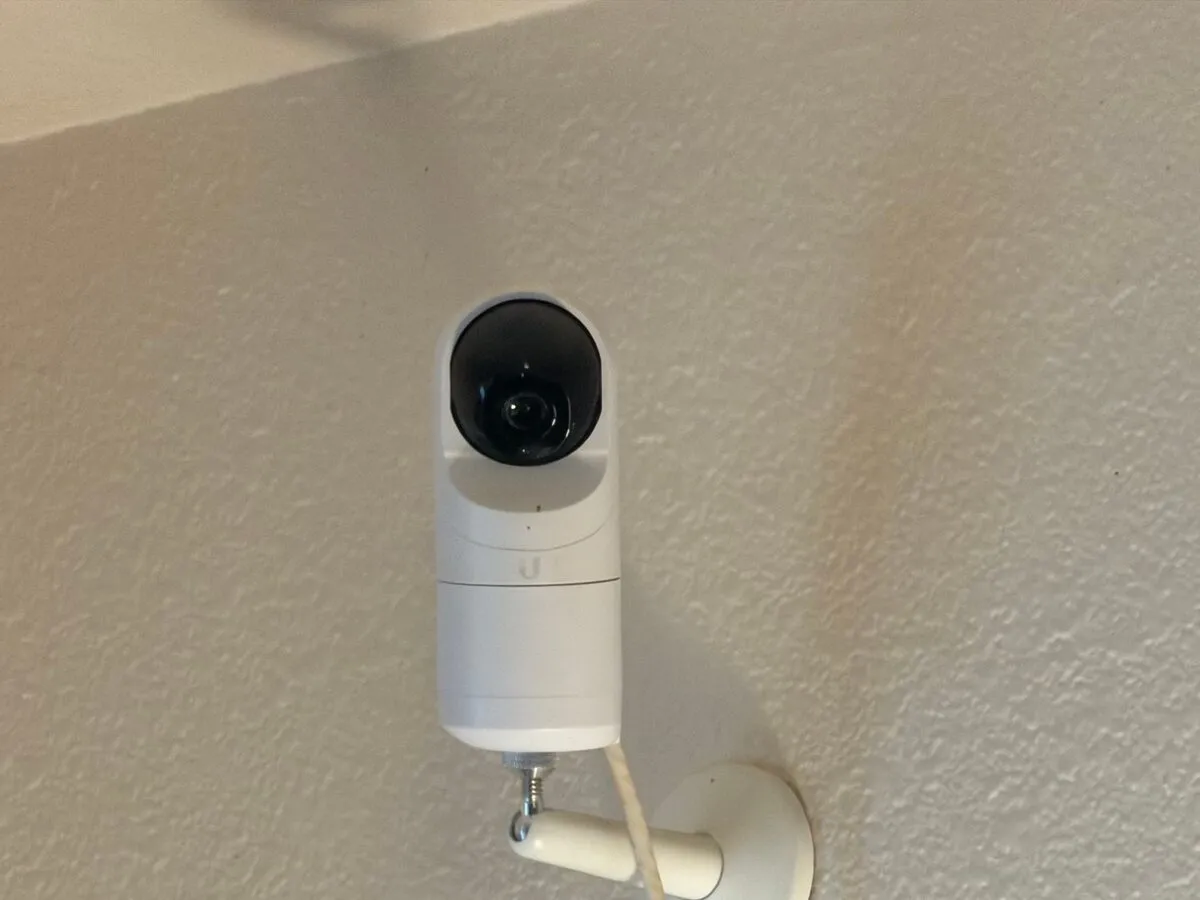
UniFi Protect G3 Flex cameras cover the office from ceiling and wall mounts. Every door event in UniFi Access can be matched to the video, so you can see who actually came through.
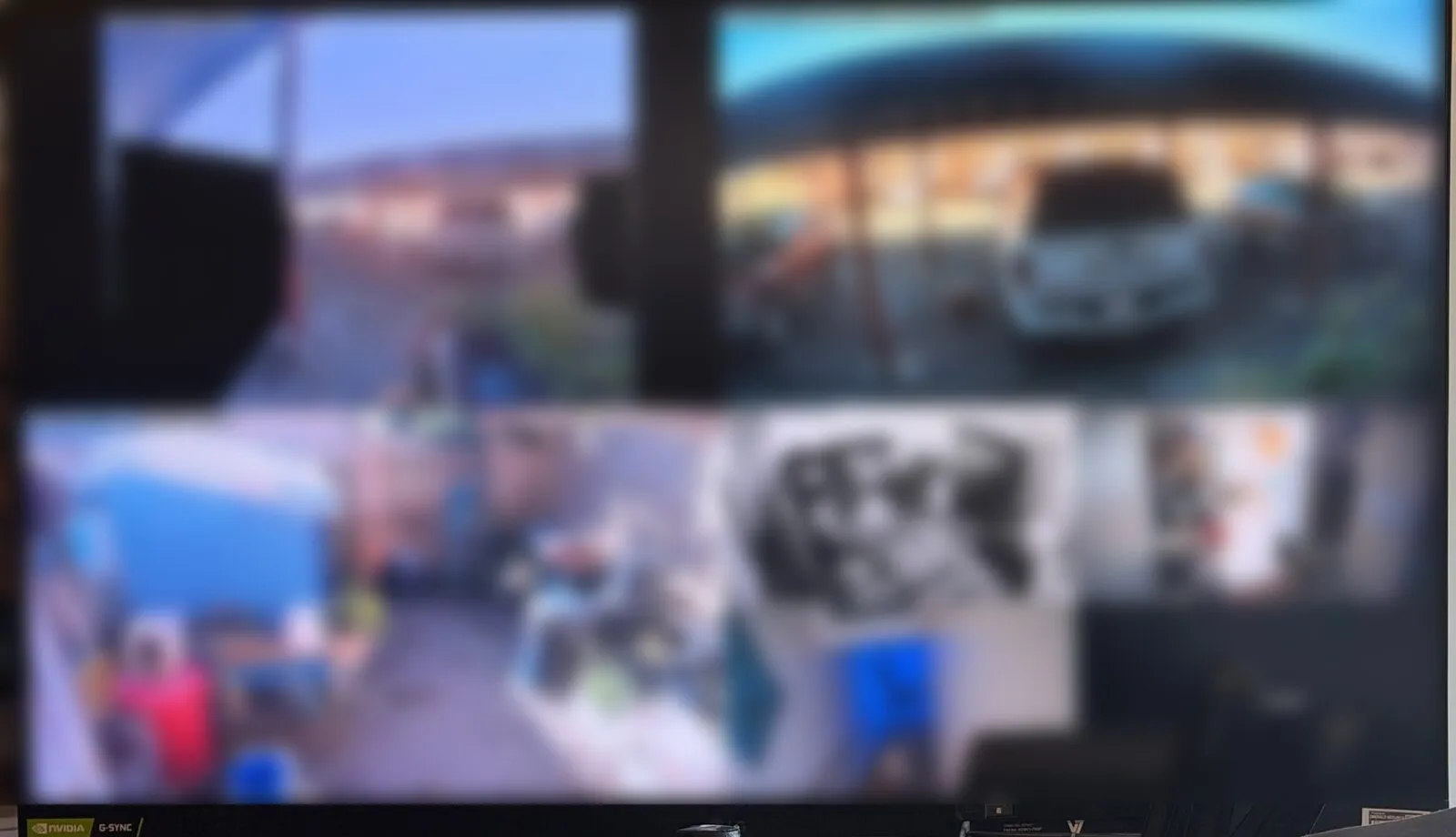
A UniFi Protect ViewPort drives a 32-inch monitor with a live multi-camera view. It runs on a single network cable, with no PC to maintain.
UniFi, UniFi Access, UniFi Protect and ViewPort are trademarks of Ubiquiti Inc.; Apple Wallet, iPhone and Apple Watch are trademarks of Apple Inc.
Good fits
Who it’s for.
- Offices with turnoverContractors, seasonal staff and volunteers who need access for a while, then don’t.
- Clinics and nonprofitsRestricted rooms for records, medications or equipment, with an audit trail.
- Campgrounds and resortsGates, offices, laundry and shower buildings managed from one screen.
- Multi-site organizationsEvery location on one system, with access managed centrally.
How a project works
Planned with the building, not bolted on.
- Walk-through of every opening, existing hardware and how people actually move through the building
- Door hardware, wiring and network designed together — including power backup
- Clean installation and a hands-on handoff so your staff can manage users themselves
- Ongoing support and updates as part of your managed services, if you choose
Your next project starts here
Ready to retire the key ring?
Tell us how many doors and gates you’re working with. We’ll walk the building and give you a clear plan and price.
Or email hello@emeraldsecurity.net