The client
Citation Compliance has worked in regulatory intelligence since 1999. It started by putting complex environmental, health and safety regulations online, and has since grown into standards content and source-grounded AI. Its products include Insight for compliance operations, RegView for regulatory research, RegStream for delivering regulatory content through APIs, and SDO Assistant for standards organizations, all sharing its NavLexa AI layer.
The challenge
Citation ran its application in Microsoft Azure and wanted an exact clone of that environment in a new, separate Azure tenant: the same servers, the same configuration and the same domain, running the same application.
Microsoft doesn’t support that. Azure can move resources between resource groups, subscriptions and regions inside a tenant, and a subscription can be handed to a different directory, but that moves it rather than copying it. There is no wizard or migration service that makes a working copy of an environment in another tenant, so there was no native tooling to lean on.
The environment itself raised the stakes:
- Nine servers in total, with the application running on Windows Server 2019.
- Every server joined to Active Directory Domain Services, running on Azure virtual machines, not Microsoft Entra ID (Azure AD). Identity lived inside the VMs, not in the tenant.
- Servers that depend on each other. They rely on the domain controller for DNS and sign-in, so a copy that merely boots isn’t a copy that works.
 The goal: the same environment, Active Directory included, standing in a second tenant.
Our approach
We split the work into four stages, so that each one could be checked before the next began.
 Discover, rebuild as code, move the servers, prove it.
1. Inventory everything
We catalogued every asset in the original tenant: virtual machines and their disks, virtual networks and subnets, network security groups, and the supporting resources around them. A tenant-to-tenant copy has no “undo”, so anything missed at this stage would only turn up later as something broken.
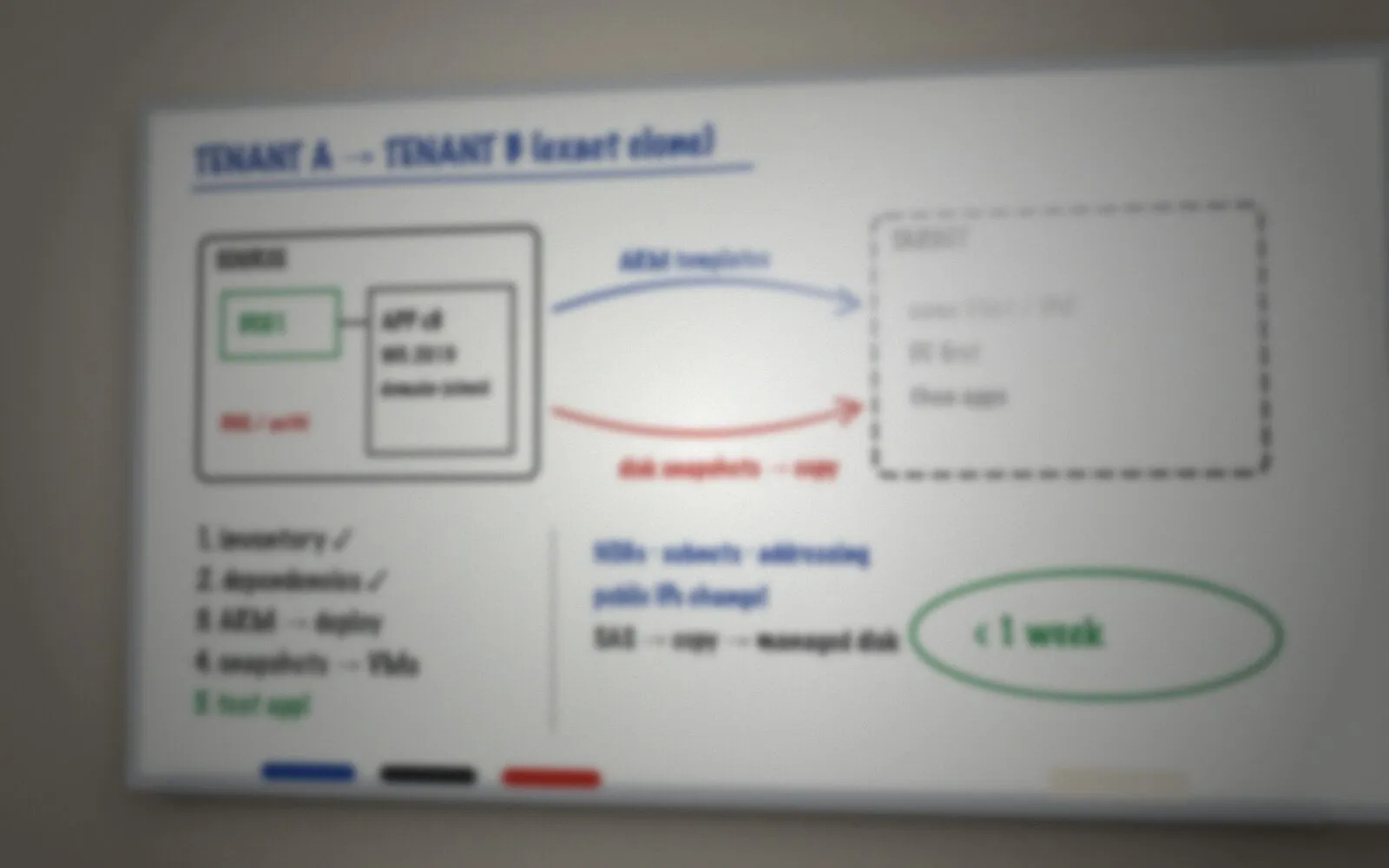 Illustration, blurred to protect our client’s privacy: sketching the source and target tenants and the order of work.
2. Map the dependencies
Next we traced how the pieces depend on each other: which servers rely on the domain controller for DNS and authentication, which addresses and names are built into the configuration, and what has to be running before something else can start. That map set the build order for everything that followed.
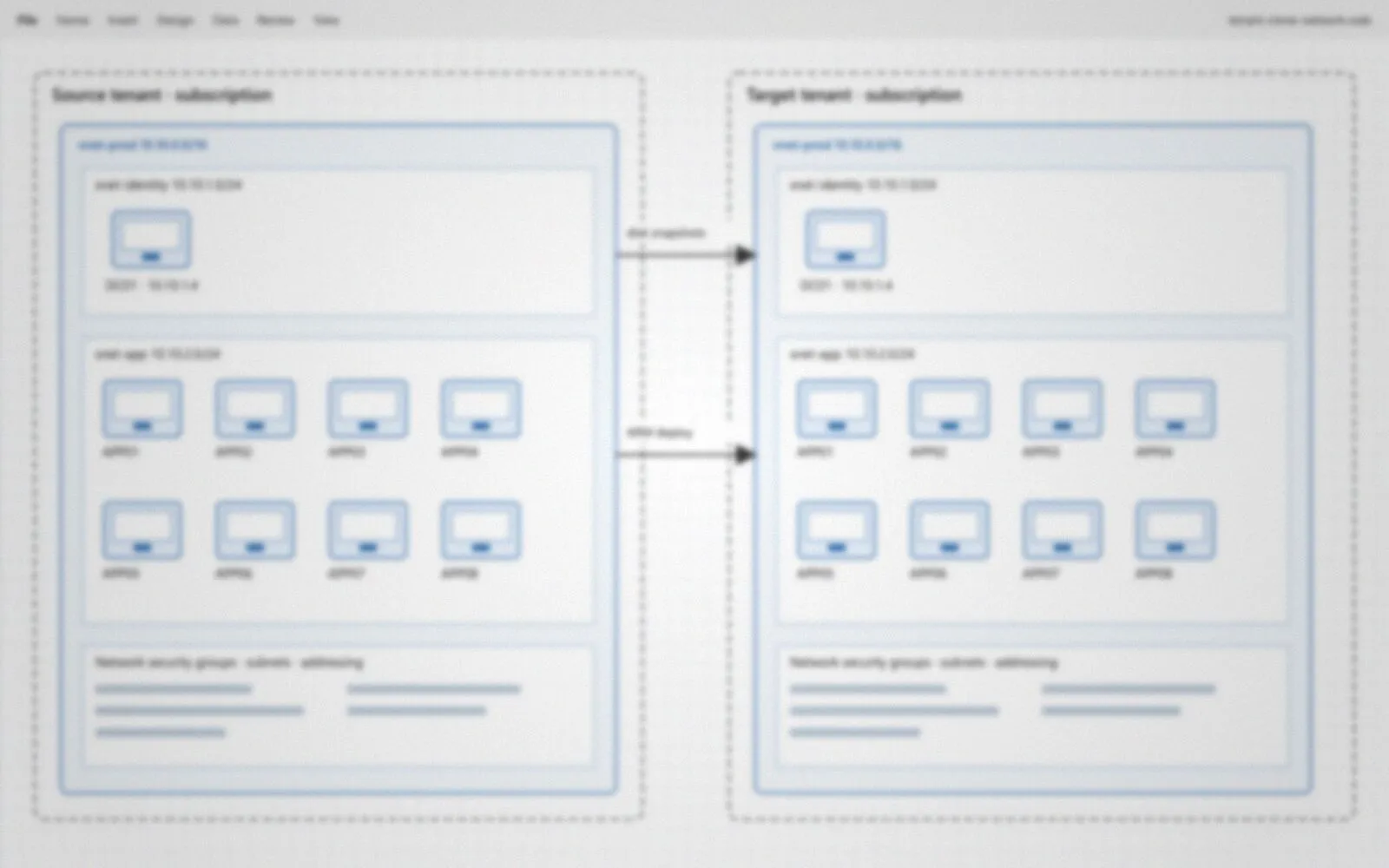 Illustration, blurred to protect our client’s privacy: mapping the source network so the target could match it.
3. Rebuild the foundation as code
For most resources we generated Azure Resource Manager (ARM) templates, adapted them for the new tenant and subscription, and deployed them. With infrastructure as code the build is repeatable: if something isn’t right, we fix the template and deploy again instead of clicking back through the portal. The templates also leave a precise, written definition of the environment.
4. Move the servers by snapshot
A template can describe a server, but a server’s value is on its disks. So for each virtual machine we took snapshots of its managed disks, copied them to the new tenant, and created new VMs from the copies, attached to the network the templates had already built.
 One server’s path from the old tenant to the new one, and the order the servers came back up.
Because Active Directory lived on the domain controller’s own disk, the domain came across exactly as it was: the same users, computer accounts and group policies, with no servers to rejoin and no passwords to reset. The start-up order mattered too. Domain-joined servers expect to find their domain controller as soon as they boot, so the domain controller came up first and the application servers followed.
 Illustration, blurred to protect our client’s privacy: the copied servers, disks and snapshots in the new tenant.
The result
In less than a week, the work was complete and Citation’s application was running successfully in the new Azure tenant.
- An exact clone, not a rebuild. All nine servers are the originals, copied disk for disk.
- Active Directory intact. No new domain, no re-joining and no account clean-up.
- The foundation is defined in ARM templates, ready to redeploy or review.
Planning a tenant-to-tenant move?
Moving or copying workloads between Azure tenants comes up with acquisitions, divestitures and fresh starts, and Microsoft’s own tools stop at the tenant boundary. If you’re facing one, we’ll look at your environment and tell you plainly what it will take.