A lot of the places our clients most want a camera are the places with no outlet anywhere near them. The gate at the bottom of a long driveway. The equipment yard out past the barn. The dock, the fuel storage, the far corner of a parcel that someone keeps driving onto.
The usual answer is “run power out there,” and the usual reaction to the quote is a long pause. Trenching across a property is slow, expensive and disruptive, and sometimes it just isn’t practical: rock, creeks, roads, other people’s land, or a site that’s only going to be there for one construction season.
This post walks through how we handle that with solar camera poles: what the problem looks like, why the obvious fixes fall short, what we actually install, and what I’d think about if you’re in the same spot.
The problem: the camera needs to be where the power isn’t
When a client calls about this, the problem usually sounds something like: “I need to see who’s coming through the gate,” or “Equipment keeps walking off from the yard.” The camera location is set by what needs watching, not by where the nearest panel is.
A camera needs two things to be useful: power to run, and a path to get its video somewhere it’s recorded and can be watched. In a building, one Ethernet cable does both with Power over Ethernet. Out at a gate a long way from the house, you have neither.
Why the obvious fixes don’t work
Here’s what people usually try or get quoted first:
- Trench power and network out to the spot. It works, and when it’s practical we’ll tell you so. But it’s the most expensive and disruptive option, and it’s permanent. If the thing you’re watching moves, the trench doesn’t.
- A battery-powered consumer camera. These are built for a front porch with strong Wi-Fi. At a gate far from the house there’s no Wi-Fi to join, and you end up swapping or charging batteries on a schedule you’ll eventually forget.
- A cellular camera. Coverage in hilly, forested country changes from one side of a ridge to the other, and the video ends up in yet another app and another monthly plan instead of with the rest of your cameras.
Each of these solves half the problem. What you actually want is a camera at the remote spot that behaves like every other camera on your system: same app, same recordings, same alerts.
What we install
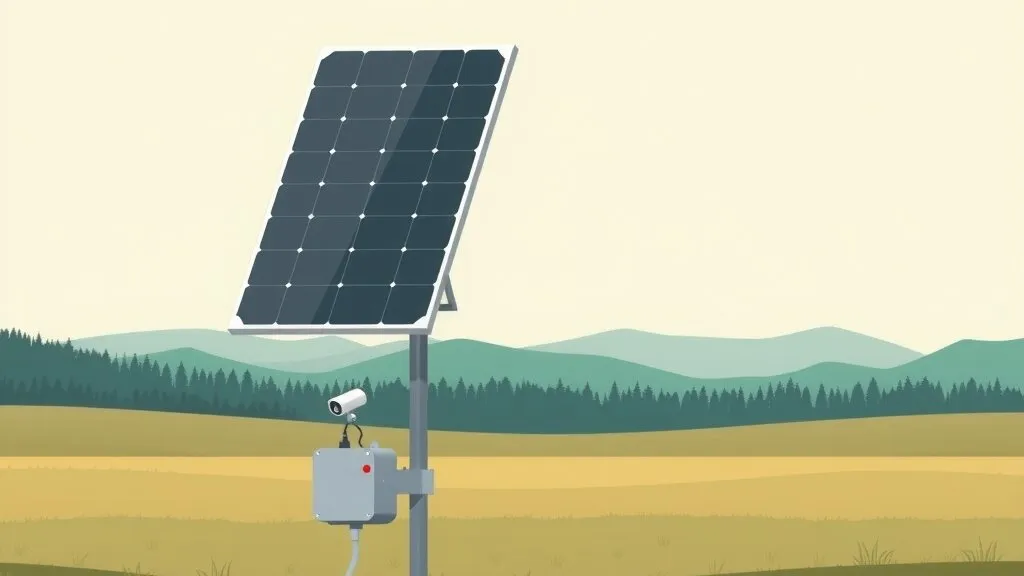
A solar camera pole is a self-contained site. It generates its own power, stores it in a battery, and sends video back to your main system over a wireless link. No trenching and no utility bill.
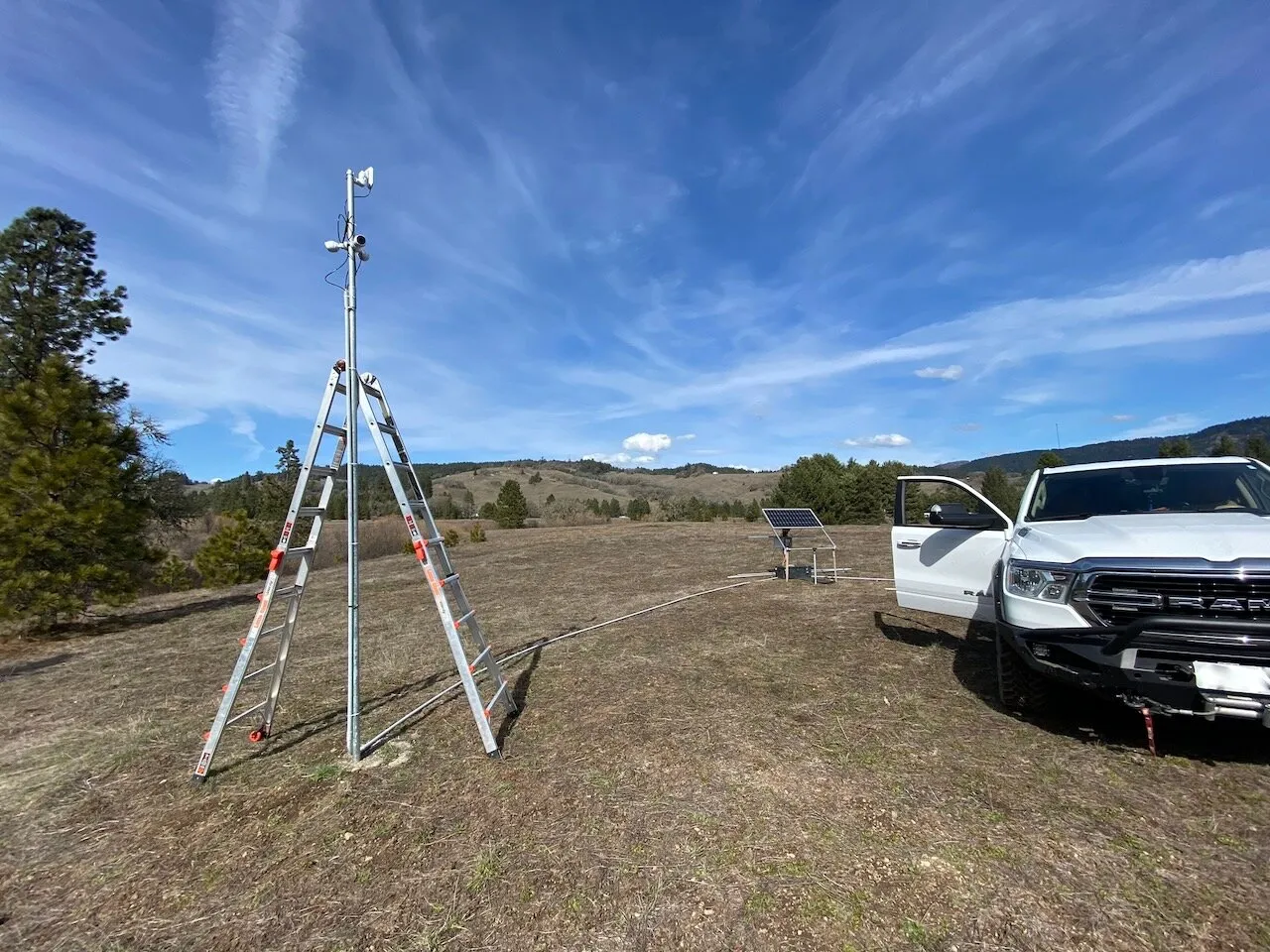 Install day on one of our solar camera poles: three cameras on the pole, the solar panel on its own ground frame.
Here’s what goes into one:
- Cameras. Up to three cameras per pole, or two cameras and a motion light. That’s usually enough to cover a gate from both directions plus a wider view of the approach.
- Solar and battery. The panel charges a battery bank, and the battery runs the cameras and radio through the night and through cloudy stretches. We size it for North Coast fog, not an Arizona spec sheet.
- Wireless backhaul. A point-to-point radio links the pole back to your network, so the cameras show up in the same app and record to the same place as the rest of your system.
- Battery monitoring. This is the part people don’t think to ask about, and it’s the part I care most about.
Wireless back to the main system
For the link home we use Ubiquiti airMAX radios. A point-to-point link is two radios aimed at each other, one at the pole and one at a building on your network. They need a clear line of sight between them, so before we pick a link we look at line of sight, terrain, interference and how much video it has to carry.
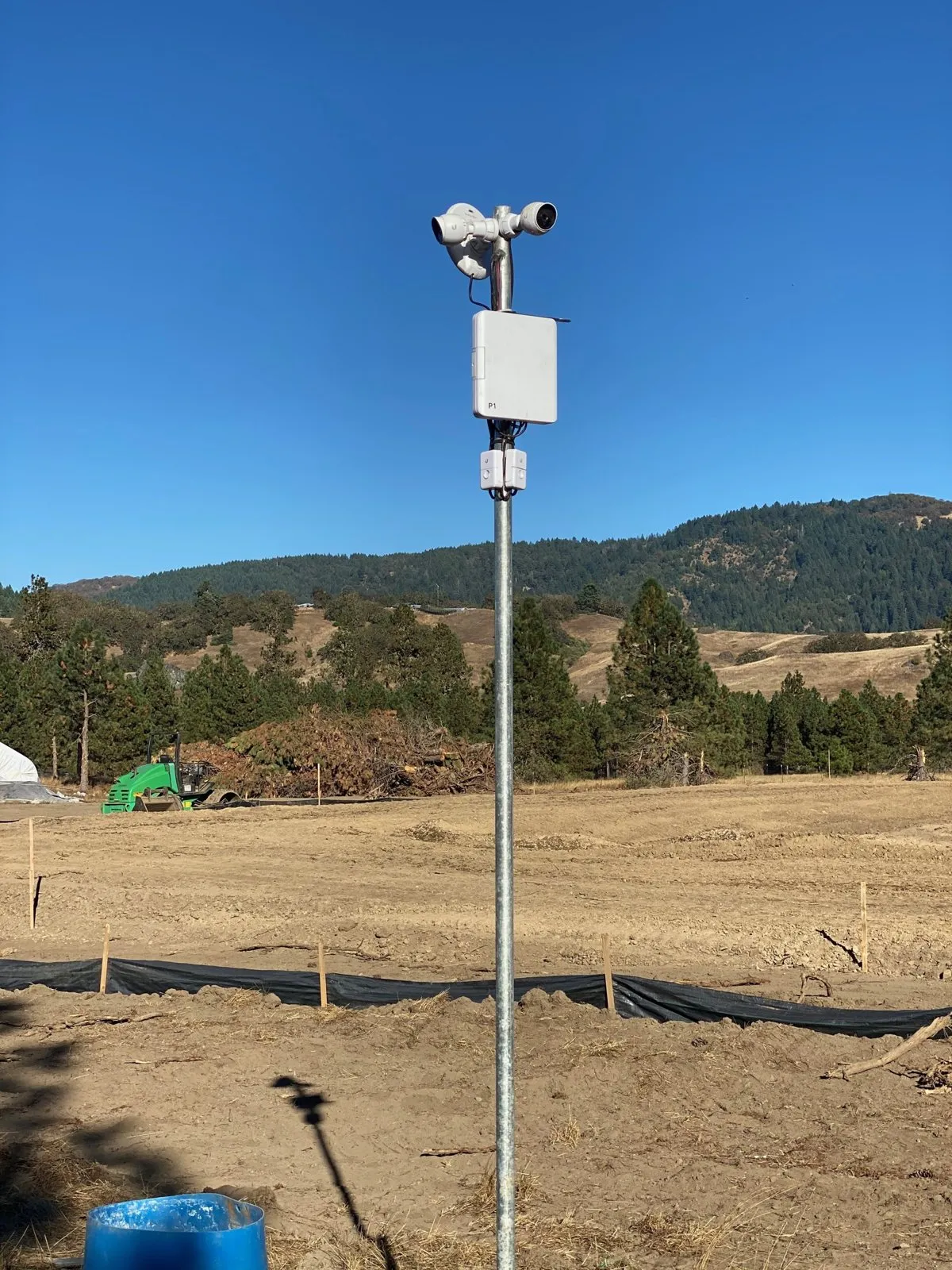 Cameras and a wireless backhaul radio sharing one pole.
Because the video comes back over your own network, it lands in UniFi Protect alongside your other cameras. Recordings stay on hardware at your site, and UniFi Protect has no per-camera license fees, so adding a pole doesn’t add a subscription.
Watching the battery, not just the cameras
A solar camera that quietly runs its battery flat is worse than no camera, because you think you’re covered. So the battery on our poles is monitored remotely.
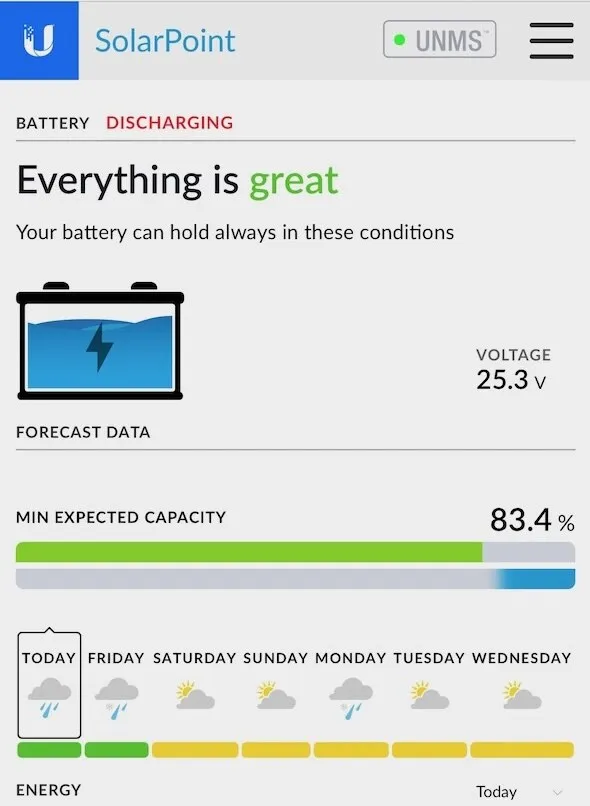 A client’s SolarPoint install in Ubiquiti’s UNMS app: current voltage and the lowest charge expected over the week’s forecast. App interface © Ubiquiti Inc., shown with permission.
That screen is from a real client install. It shows the battery’s current voltage, and it combines the weather forecast with the battery’s state to show the lowest charge expected over the coming week. The forecast is what makes it useful. A weak battery becomes a scheduled visit before a storm, instead of a gap in footage you only find out about when you need it.
📝 Note: Monitoring only helps if someone looks at it. Decide up front who gets the alert when a battery trends low, whether that’s you or us.
What to consider if you’re in the same spot
If you’ve got a gate, yard, dock or remote corner that needs a camera and has no power, here’s what I’d work through:
- Start with what you need to see. Faces at the gate, license plates, or just “did a vehicle come through”? That decides camera type and placement more than anything else.
- Check the sky view at the pole location. Trees and hillsides that shade the panel for part of the day matter a lot more on the coast in winter than they do in July.
- Check line of sight back to a building. If there’s no clear path for the radio, there may be a better spot for the pole, or a better building to aim at.
- Ask how the battery is monitored. If the answer is “you’ll notice when the camera goes offline,” keep asking.
- Think about whether the site will move. Construction sites are a good fit: materials arrive before power does, and a pole can go up first and move to the next job.
- Compare it honestly with a power run. Sometimes trenching is the better answer. A good site evaluation should tell you which one, not just sell you the pole.
Use at your own risk applies like anywhere: every site is different, and the right setup depends on what you’re watching and where.
Get in touch
Our solar camera poles start at $3,750 per pole, and the site evaluation is free. Send us the address or drop a pin, and we’ll come out, look at what you need covered, and tell you honestly whether a solar pole or a power run makes more sense.
Related services
- Video surveillance: UniFi Protect systems and solar camera poles
- Ubiquiti airMAX: point-to-point wireless links for remote buildings and sites